

Once you sign up for an account, check your email for your login credentials and follow the steps below to upload files.
Step one: Download the latakoo Flight app to upload your files.


Step two: Login using the credentials emailed to you.
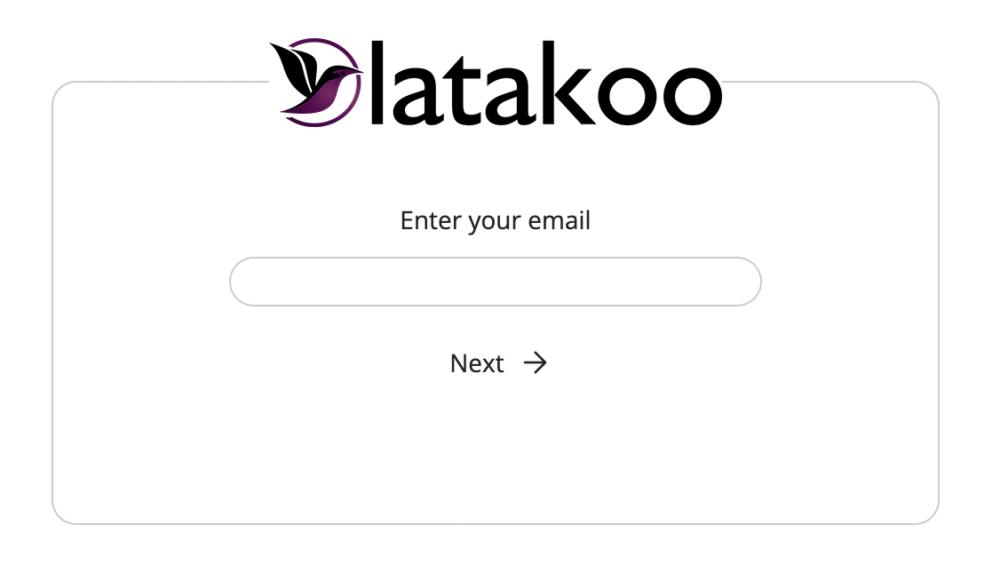
Step three: Go to the Library tab in the app, find the file you want to send, click on it.
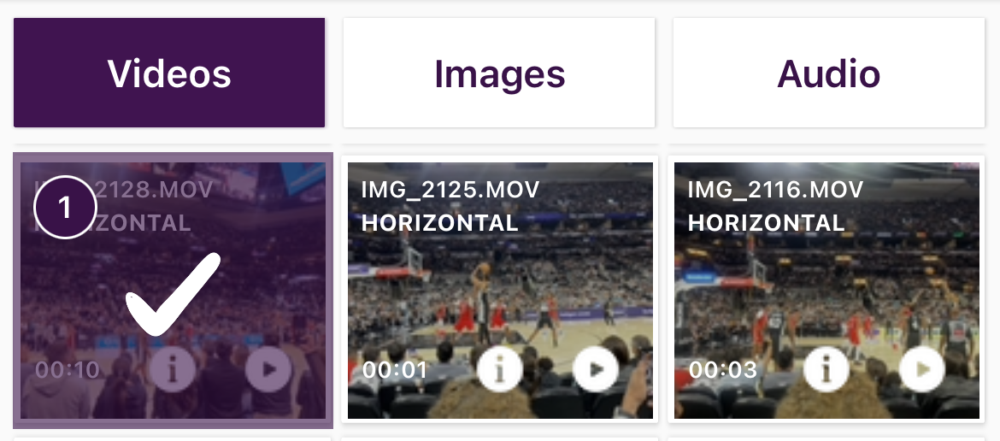
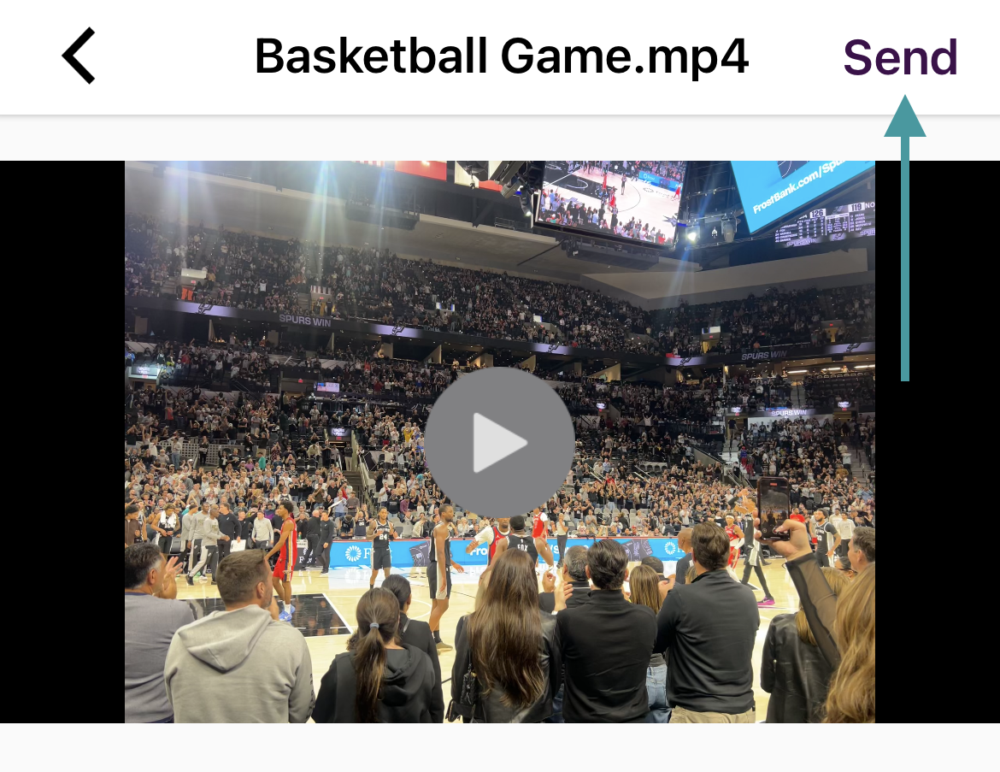
Step four: Click Send to preview the file; click Send again if it is the file you want to upload.
Step five: Rename the file (optional), select the upload quality (further the left more compressed, further to the right less), click Send.
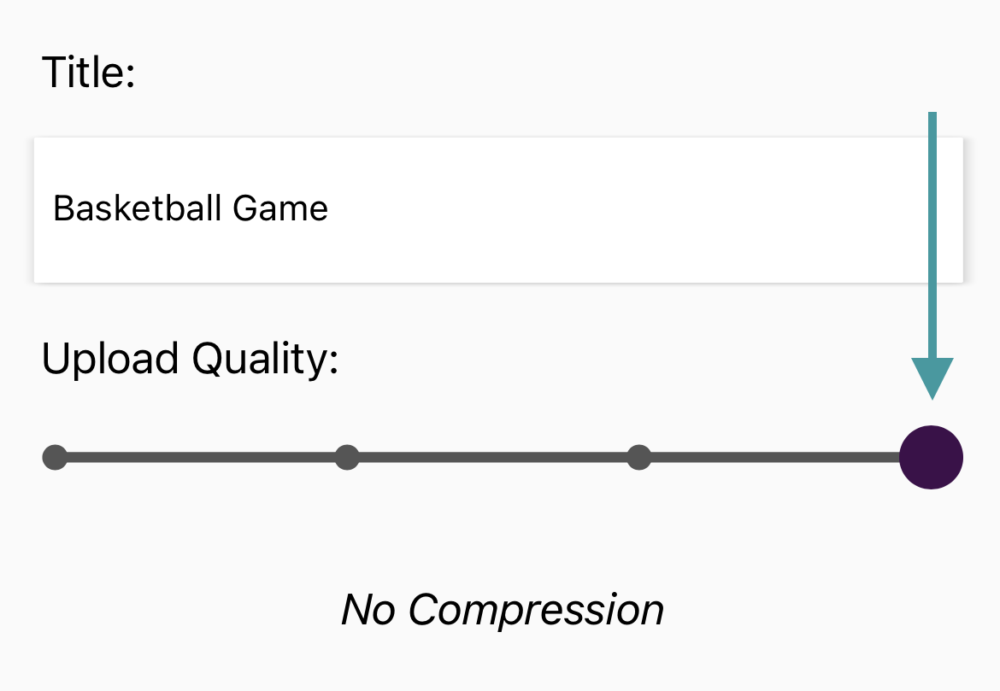
.
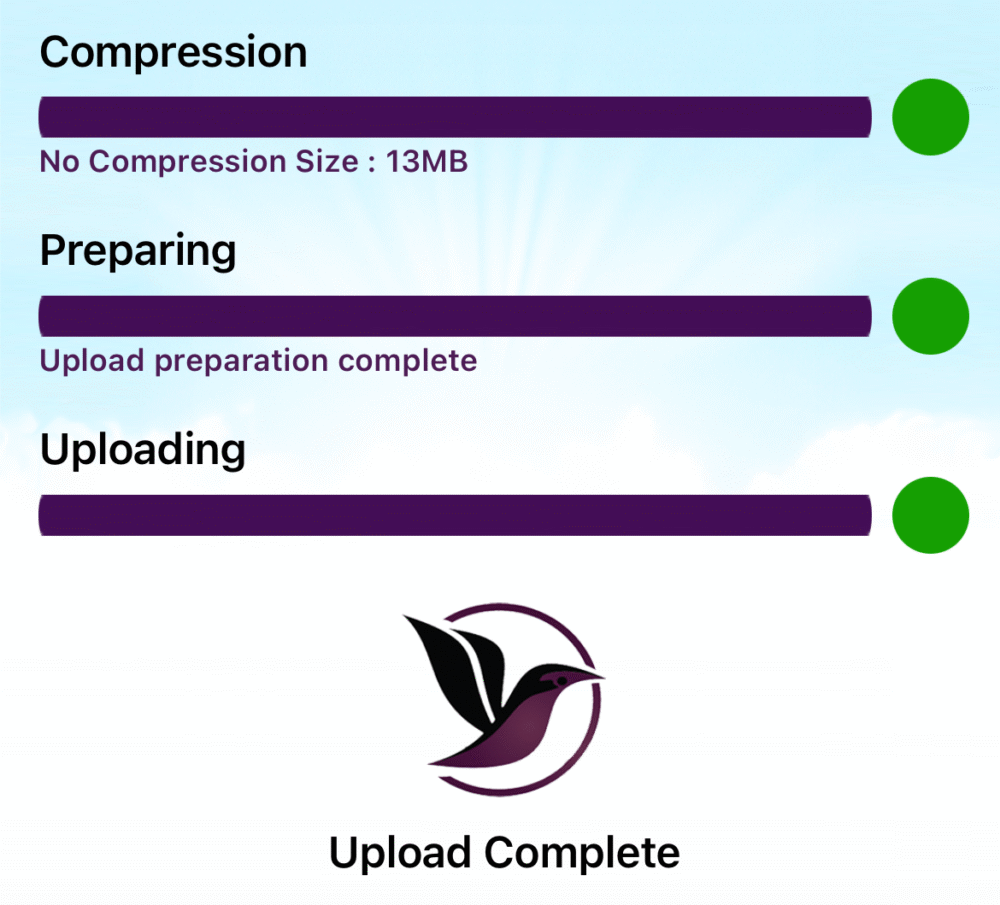
Step six: Add notes to the file as it uploads (or click no metadata). Once the upload is complete, you will see this screen:
Additional Resources
How to latakoo
- Visit our Onboarding site for additional step-by-step tutorials
- Check out our Training page
- Download the latakoo Quick-Start guide


Get the latakoo Flight App
Have any questions or need assistance? Reach out to latakoo support anytime. Call us at 1-877-882-KOOO (5666).